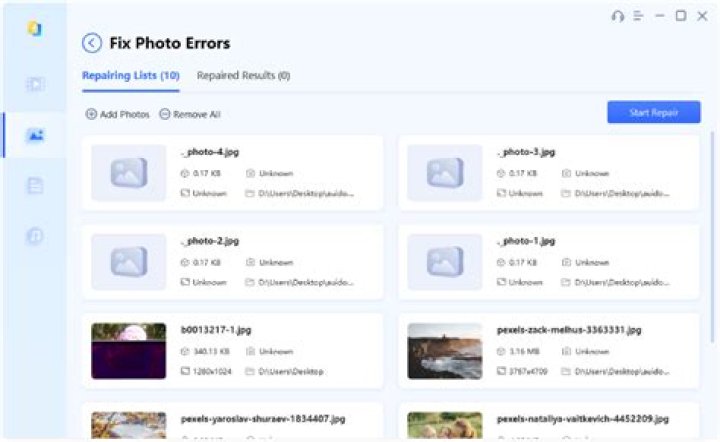

Recently, I extracted some pictures from an .iso file, but I can't see them. When I try to open these .jpg files with Image Viewer, it shows me this error:
Error interpreting JPEG image file (Not a JPEG file: starts with 0xda)
(the expression after 0x is different from file to file)
I tried changing the file extension but no result.
Thanks for help!
2 Answers
Judging from the error reported by the image viewer, I would say that the files are probably either corrupt or they're not really JPEG files.
What is the result of:
file the_file_name.jpg The answer will likely be the actual type of the file.
0Sometimes your image viewer has not installed the Eye Of Gnome (EOG) plugins. Go to the Software Centre then select 'plugins for eog' and then click 'install', then it should work.