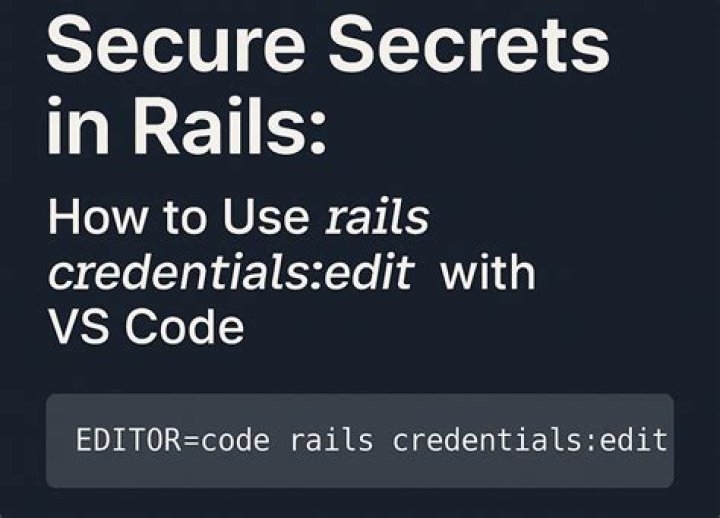

When I open the file this way:
EDITOR="atom --wait" bin/rails credentials:edit I get a brand new file that is assigned a new name (a number.credentials.yml) and reports "New credentials encrypted and saved," and I am not given the opportunity to edit the file. Then I type:
bin/rails credentials:show and I get the default aws: 123 etc.... So I delete both the credentials.yml.enc and the master key and start over, with the same results. the new credentials.yml.enc is created with the default verbage, but I cannot edit it. I am using ruby 2.5.3 and rails 5.2.2. Ubuntu 18.04 if that matters. I have followed all the recommendations given elsewhere on this exact topic, but nothing works for me.
3 Answers
With rails credentials:show, you cannot edit your credentials.yml. You have to use EDITOR="atom --wait" rails credentials:edit to edit your credentails.yml.
Delete your master.key than you need to run the command EDITOR="atom --wait" rails credentials:edit which it won't find the master.key and creates new one with crendetials.yml.enc. After that, add some stuffs and close that file with CTRL + W. Now you can see the result with rails credentials:show.
I was having the exact same issue. It appears the issue is the quotes surrounding the specified text editor. (Note: I am running MacOS, not Ubuntu):
Doesn't work as intended
EDITOR=“vim” rails credentials:edit New credentials encrypted and saved.
But I didn't want to create new credentials. I wanted to edit my existing credentials.yml.enc file.
Works as intended
EDITOR=vim rails credentials:edit This does what I expect: opens up the credentials.yml.enc file in vim in an unencrypted format.
You need install vim for ubuntu, use this commmand:
sudo apt-get install vim
I had the same problem and solutioned with that. ;)




