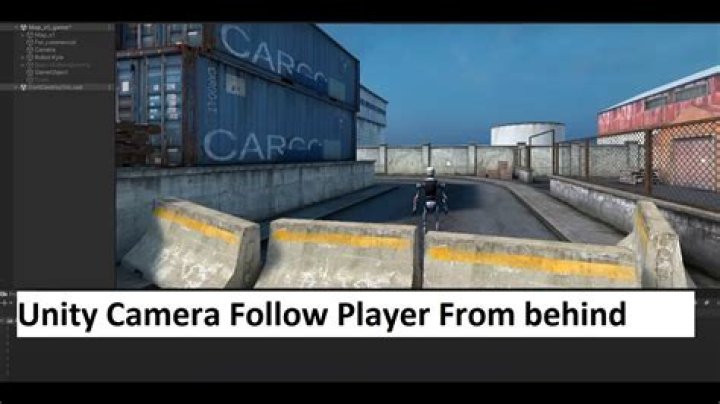

I'm struggling with this for quit some time now. I have GameObject, being a sphere, which is my player on a 3d Terrain. I have a Camera which is always on a fixed distance from the player, follows it where it goes with below script:
public GameObject player; private Vector3 offset; // Use this for initialization void Start () { offset = transform.position - player.transform.position; } void LateUpdate () { transform.position = player.transform.position + offset; } So far so good. However what I actually want is that the camera rotates with the player, so it always looks into the direction where the sphere is moving, but always stays behind the player at the same fixed distance, so that the player is always visible in the camera view.
There are a lot of scripts available, but the problem with the onces I've seen so far is that the camera indeed rotate with the player, but because the player actually is a rolling sphere the camera view is rolling and turning as well.
The best script I found so far is below, but this one has the same problem as the other onces, the camera rolls with the player.
public Transform target; public float distance = 3.0f; public float height = 3.0f; public float damping = 5.0f; public bool smoothRotation = true; public bool followBehind = true; public float rotationDamping = 10.0f; void Update () { Vector3 wantedPosition; if(followBehind) wantedPosition = target.TransformPoint(0, height, -distance); else wantedPosition = target.TransformPoint(0, height, distance); transform.position = Vector3.Lerp (transform.position, wantedPosition, Time.deltaTime * damping); if (smoothRotation) { Quaternion wantedRotation = Quaternion.LookRotation(target.position - transform.position, target.up); //Quaternion ownRotation = Quaternion.RotateTowards; transform.rotation = Quaternion.Slerp (transform.rotation, wantedRotation, Time.deltaTime * rotationDamping); } else transform.LookAt (target, target.up); } Can anyone help me with this please?
43 Answers
using System.Collections; using System.Collections.Generic; using UnityEngine; public class CameraFollow : MonoBehaviour { public GameObject player; public float cameraDistance = 10.0f; // Use this for initialization void Start () { } void LateUpdate () { transform.position = player.transform.position - player.transform.forward * cameraDistance; transform.LookAt (player.transform.position); transform.position = new Vector3 (transform.position.x, transform.position.y + 5, transform.position.z); } } You need to move your camera position based on sphere movement direction -
public GameObject player; private Vector3 offset; float distance; Vector3 playerPrevPos, playerMoveDir; // Use this for initialization void Start () { offset = transform.position - player.transform.position; distance = offset.magnitude; playerPrevPos = player.transform.position; } void LateUpdate () { playerMoveDir = player.transform.position - playerPrevPos; playerMoveDir.normalize(); transform.position = player.transform.position - playerMoveDir * distance; transform.LookAt(player.transform.position); playerPrevPos = player.transform.position; } Edit 2: To fix flickering camera, try this -
void LateUpdate () { playerMoveDir = player.transform.position - playerPrevPos; if (playerMoveDir != Vector3.zero) { playerMoveDir.normalize(); transform.position = player.transform.position - playerMoveDir * distance; transform.position.y += 5f; // required height transform.LookAt(player.transform.position); playerPrevPos = player.transform.position; } } My solution (based on @brennon-provencher answer) with smoothness and auto offset:
public class CameraFollow : MonoBehaviour { public GameObject target; public float speed = 5; Vector3 offset; void Start() { offset = target.transform.position - transform.position; } void LateUpdate() { // Look var newRotation = Quaternion.LookRotation(target.transform.position - transform.position); transform.rotation = Quaternion.Slerp(transform.rotation, newRotation, speed * Time.deltaTime); // Move Vector3 newPosition = target.transform.position - target.transform.forward * offset.z - target.transform.up * offset.y; transform.position = Vector3.Slerp(transform.position, newPosition, Time.deltaTime * speed); } } 



