
PC is a desktop AMD64, 8GB RAM, 1TB hdd. Ubuntu 18.04.
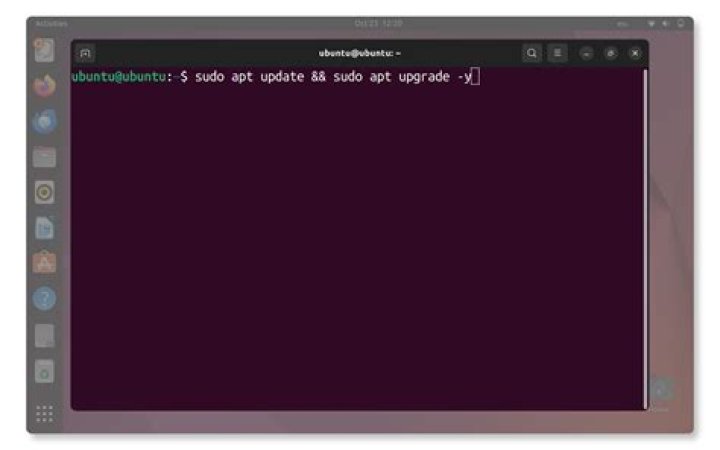
Sudo apt-get upgrade when I only wanted to update, my bad. The upgrade then proceeded to dist-upgrade 18.04 to 20.04. Unfortunately this upgrade process was interrupted before it completed normally.
System now signs-on at boot saying Welcome to 20.04, more messages, then stalls. At this point, Alt-F2 prompt lets me log in with password, can see all files etc. Alt-F1 is the frozen sign-in messages, tail here
[ OK ] Started GNOME Display Manager.
[ OK ] Started Network Manager Script Dispatch Service.
[ OK ] Started Manage, Install and Generate Color profiles.
[ OK ] Created slice User Slice of gdm.
Starting User Manager for UID 121 ...
[ OK ] Started Session c1 of user gdm.
[ OK ] Started User Manager for UID 121.
[ OK ] Started Update UTMP about System Runlevel Changes ....pleted startup.ures....
My question is, how can I either re-initiate/complete the upgrade, or repair the 20.04? As I'm hoping to resume use of mail, browsing and many other apps installed there.
2 Reset to default