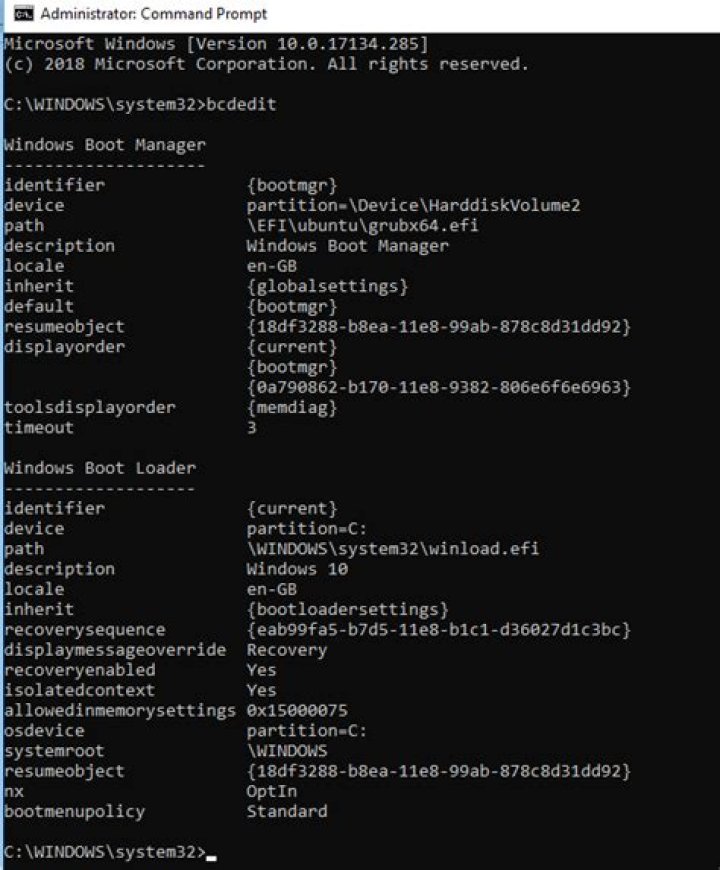

I am running Windows 8.1, and when I tried to use bcdedit.exe (for the first time on this install) it told me that:
'bcdedit' is not recognized as an internal or external command, operable program, or batch file. I found this odd because:
- My
PATHvariable includesC:\Windows\System32 - bcdedit.exe is in System32
- I'm running the command from an elevated command prompt (not through some other language)
I tried a variety of other things, including using cd to go to the folder and then putting in bcdedit.exe (instead of bcdedit). No luck. Anyone know what's going on?
3 Answers
Open an elevated command prompt.
You can use this to see if bcdedit is damaged:
sfc /VERIFYFILE=C:\windows\system32\bcdedit.exe
If the file is fine you will get an output like this:
Windows Resource Protection did not find any integrity violoations.
If the file is damaged you can try to replace from backups using:
sfc /scannow
If for any reason that fails you could always try downloading the Windows 8.1 Enterprise trial, install it in a virtual machine, and copy the bcdedit.exe from it.
This could also be due to running a 64-bit OS, in which case you need to access BCDEDIT from C:\Windows\Sysnative\bcdedit
3"On 64-bit windows whenever a 32-bit app attempts to access %windir%\System32 directory, the access will be redirected to %windir%\SysWOW64. This process is transparent to the application and it still thinks it is accessing %windir%\System32 directory."
%windir%\SysWOW64\bcdedit.exe does not exist, which causes the error




