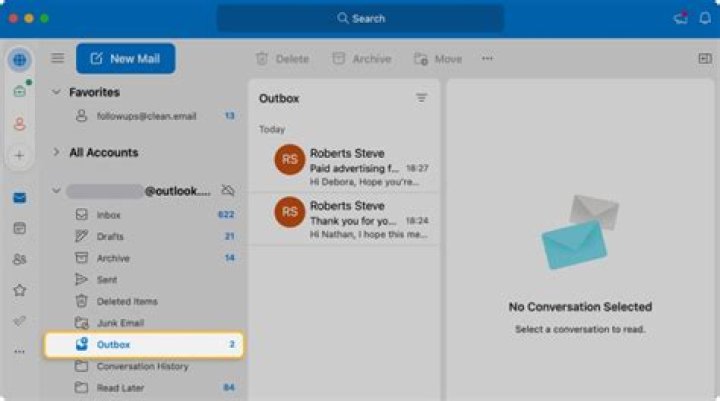

I'm asking this question because I got curious about an email I'm sending from the office with Outlook using the Delay delivery option. When I searched for that mail at home to modify it on Outlook, I couldn't find it.
Are emails stuck inside the Outbox folder (as is the case of a Delay delivery email) local to the machine where they were sent? and if possible where are these mail stored physically (path to a file)?
Besides, if these emails are stored locally, does it mean that Outlook in this case is using POP protocol instead of IMAP (where emails would be synchronized from a remote server)?
2 Answers
You're right. For IMAP accounts Outlook stores Outbox locally in .OST cache file. You can find the path to this file in Outlook account options (Data Files tab).
3When unchecking 'Used Cached Exchange Mode' in Outlook 2013 in File>account settings>Data Files tab>settings>advanced tab I found that my mail with Delayed delivery did get synched to the server. I saw it pop up in my outbox in Outlook on another workstation. Ofcouse be aware of any drawbacks unchecking 'Used Cached Exchange Mode'. (I'm still checking which :)




