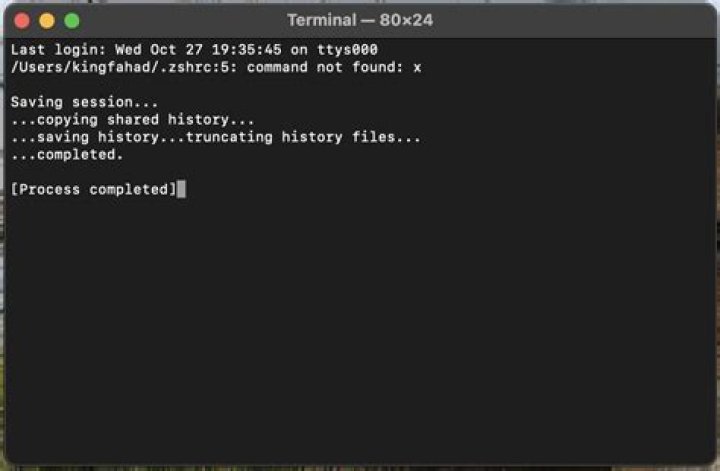
I need help with my zsh environment. I am just getting into customizing my terminal and I have managed to mess up my terminal. I have lost access to the whole terminal as it no longer accepts any inputs from the keyboard. I am guessing that I have messed with my $PATH. Also, I have tried to reset my terminal from using the preferences of my terminal to /bin/zsh but that did not work.
2 Answers
- Open the Finder. (Click the blue smiley face in the dock.)
- Go to your home folder. (In the sidebar on the left, under Favorites, press the item that has a house icon and your username.)
- If necessary, press ⌘⇧. (Command-Shift-Dot) to show hidden files. (Hidden files are shown as grayed out.) There might be a delay in this taking effect, so wait a moment after you press this shortcut.
- Find your
.zshrcfile. It's one of the grayed out ones.
- To reset your
zshsettings to default, just delete your.zshrcfile by clicking it once and then pressing ⌘⌫ (Cmd-Backspace). (If you see any other.z*files, delete those, too.) This will put it in the trash, so you can always restore it later, if necessary. - To try to fix the problem without losing your config, edit your
.zshrcfile with TextEdit. Make sure you save it as plain text. To toggle between plain text and rich text, press ⌘⇧T. (If you see a formatting toolbar, then you're in rich text mode.)
Open an editor like VS code and open the entire home folder. Find the .zshrc file and clear it or fix whatever bug is there. Open a new terminal. Should be able to interact with your aliases.




