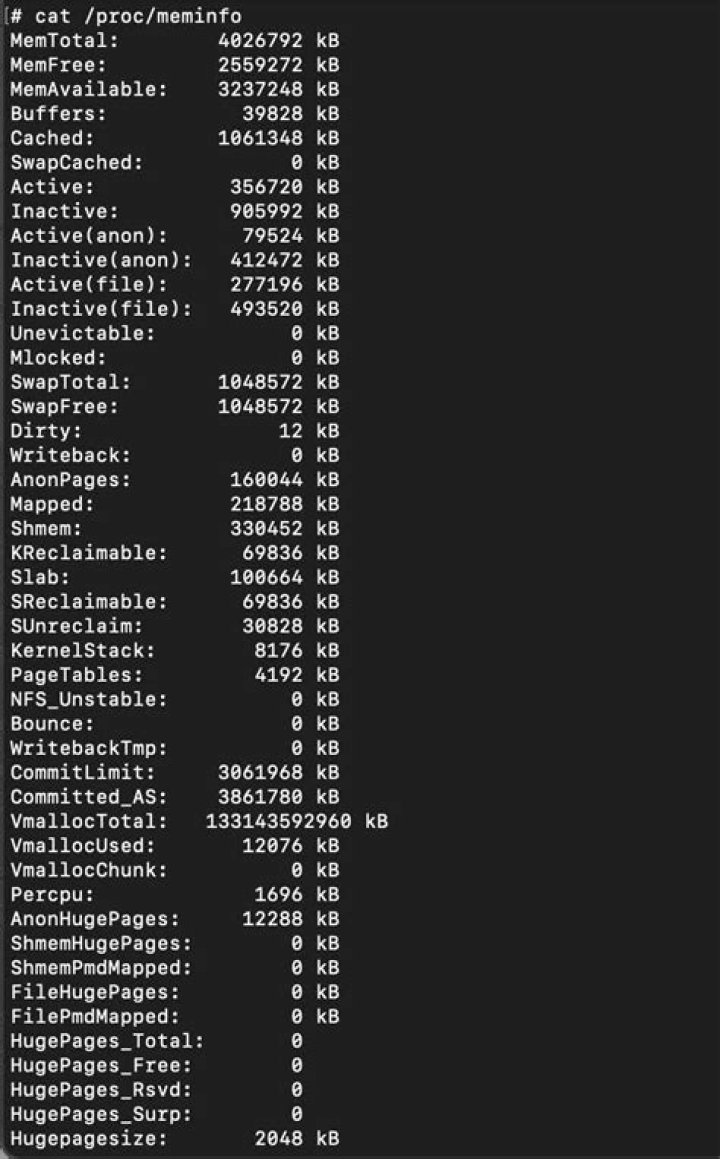

Cat, less , more , head tail etc. tried with all options that I am aware of. Can't find how to list the memory in Megabytes rather than kB.
2 Answers
Can't find how to list the memory in Megabytes rather than kB.
This will convert any
kBlines toMB:awk '$3=="kB"{$2=$2/1024;$3="MB"} 1' /proc/meminfo | column -tThis version converts to gigabytes:
awk '$3=="kB"{$2=$2/1024**2;$3="GB";} 1' /proc/meminfo | column -tFor completeness, this will convert to MB or GB as appropriate:
awk '$3=="kB"{if ($2>1024**2){$2=$2/1024**2;$3="GB";} else if ($2>1024){$2=$2/1024;$3="MB";}} 1' /proc/meminfo | column -t
Source How to display /proc/meminfo into Megabytes, answer by John1024
3In bash you may do it this way
#! /bin/bash kb-to-mb() { echo $1" "$(( $2 / 1024))" "MB } exec < /proc/meminfo while read a b c do if [ o$c = "okB" ] then kb-to-mb $a $b $c else echo $a $b $c kb-to-mb $a $b $c done | column -t 



