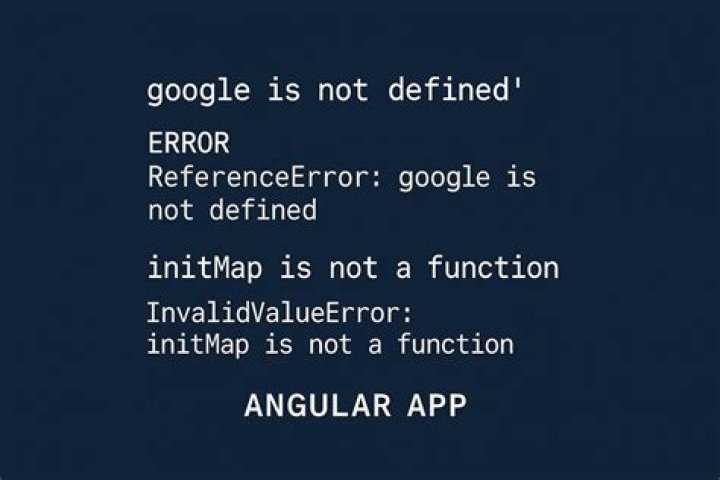

Hi I am trying to implement google maps api in angular. It was pretty simple in angularjs but I cant figure out whats not working. I have a simple app which is showing products along with their location. Upon clicking location the location does show on map. But to shop map I am using google maps. I have done quite much. But this error is keep coming.
google is not defined app.component.ts
import { Component } from '@angular/core'; import { Observable } from 'rxjs/Rx'; import { ProductService } from './product.service'; declare var google: any; @Component({ selector: 'app-root', templateUrl: './app.component.html', styleUrls: ['./app.component.css'], providers: [ProductService] }) export class AppComponent { //define an array of products products = []; //constructor func constructor(private _productService: ProductService) { } //after constructor func this func runs , in which we are // accessing the class function getproducts and objects products // through this. // => means callback in which we are dumping data in products //array ngOnInit() { this._productService.getProducts() .subscribe(products => { this.products = products[0].data; console.log(this.products); }) var map; map = new google.maps.Map(document.getElementById('map'), { center: { lat: -34.397, lng: 150.644 }, zoom: 8 }); } } Index.html
<!doctype html> <html lang="en"> <head> <meta charset="utf-8"> <title>Shopober</title> <base href="/"> <meta name="viewport" content="width=device-width, initial-scale=1"> <link rel="icon" type="image/x-icon" href="favicon.ico"> </head> <body> <app-root></app-root> <script src="" async defer> </script> </body> </html> app.component.html
<table> <tr> <th>Id</th> <th>Product Name</th> <th>Price</th> <th>In Stock</th> <th>Location</th> <th>Image</th> </tr> <tr *ngFor="let product of products"> <td>{{product.id}}</td> <td>{{product.product_name}}</td> <td>{{product.product_price}}</td> <td>{{product.product_stock}}</td> <td> <a>{{product.location[0].lat + ',' + product.location[0].lng}}</a> </td> <td>{{product.product_image}}</td> </tr> </table> 6 Answers
You have to wait the view initialization before loading the google maps script. You can do it with the AfterViewInit hook, like this :
import {AfterViewInit, Component} from '@angular/core'; ... export class YourComponent implements AfterViewInit { ngAfterViewInit(): void { // Load google maps script after view init const DSLScript = document.createElement('script'); DSLScript.src = ' // replace by your API key DSLScript.type = 'text/javascript'; document.body.appendChild(DSLScript); document.body.removeChild(DSLScript); } Removing the async and defer attributes worked for me, but not sure it's wise to do keeping performance aspect of the website in mind.
so your script tag should look like:
<script src="">
Trying implementing -
import GoogleMaps from 'google-maps'; After importing google-maps use below code:
GoogleMaps.KEY = <your map api key>; GoogleMaps.load((google) => { // place your code here }); It looks like your components load before the google script. There is a great angular2+ plugin for google maps :
Did you check it out ? It allows you to do all the common stuff with google maps, and avoid the common loading and other errors.
4Other way similar @Boulboulouboule solution
import {AfterViewInit, Component} from '@angular/core'; ... export class YourComponent implements AfterViewInit { constructor(private httpClient: HttpClient) {} ngAfterViewInit(): void { this.httpClient.jsonp(' 'callback') .pipe( map(() => true), catchError(() => of(false)), ); } } Try wrapping the initialization inside a setTimeout() function like below:
ngOnInit(){ setTimeout(()=> { // Put the logic here }, 1000); } 



