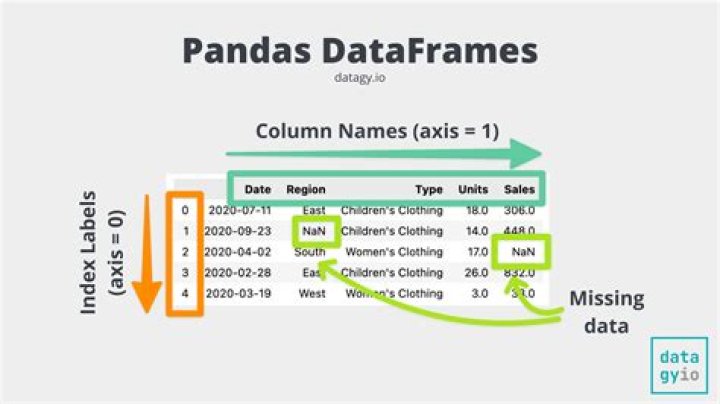
This is my original dataframe. 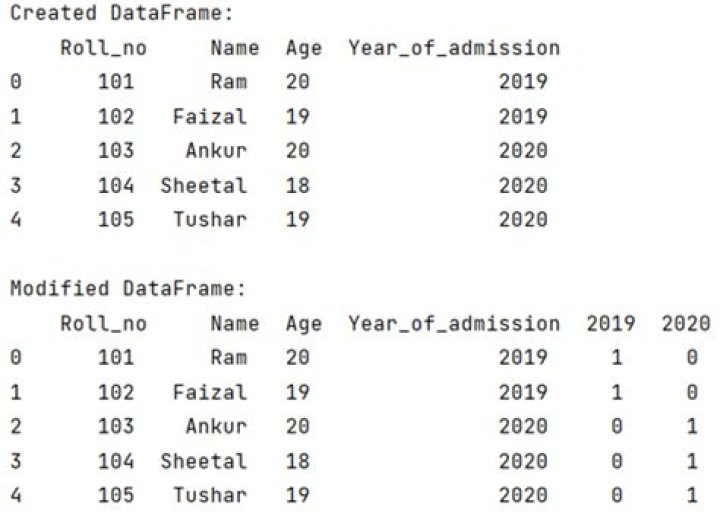 This is my second dataframe containing one column.
  I want to add the column of second dataframe to the original dataframe at the end.Indices are different for both dataframes. I did like this
feature_file_df['RESULT']=RESULT_df['RESULT'] Result column got added but all values are NaN's 
How to add columns with value
21 Answer
Assuming the size of your dataframes are the same, you can assign the RESULT_df['RESULT'].values to your original dataframe. This way, you don't have to worry about indexing issues.
# pre 0.24 feature_file_df['RESULT'] = RESULT_df['RESULT'].values # >= 0.24 feature_file_df['RESULT'] = RESULT_df['RESULT'].to_numpy() Minimal Code Sample
df A B 0 -1.202564 2.786483 1 0.180380 0.259736 2 -0.295206 1.175316 3 1.683482 0.927719 4 -0.199904 1.077655 df2 C 11 -0.140670 12 1.496007 13 0.263425 14 -0.557958 15 -0.018375 Let's try direct assignment first.
df['C'] = df2['C'] df A B C 0 -1.202564 2.786483 NaN 1 0.180380 0.259736 NaN 2 -0.295206 1.175316 NaN 3 1.683482 0.927719 NaN 4 -0.199904 1.077655 NaN Now, assign the array returned by .values (or .to_numpy() for pandas versions >0.24). .values returns a numpy array which does not have an index.
df2['C'].values array([-0.141, 1.496, 0.263, -0.558, -0.018]) df['C'] = df2['C'].values df A B C 0 -1.202564 2.786483 -0.140670 1 0.180380 0.259736 1.496007 2 -0.295206 1.175316 0.263425 3 1.683482 0.927719 -0.557958 4 -0.199904 1.077655 -0.018375