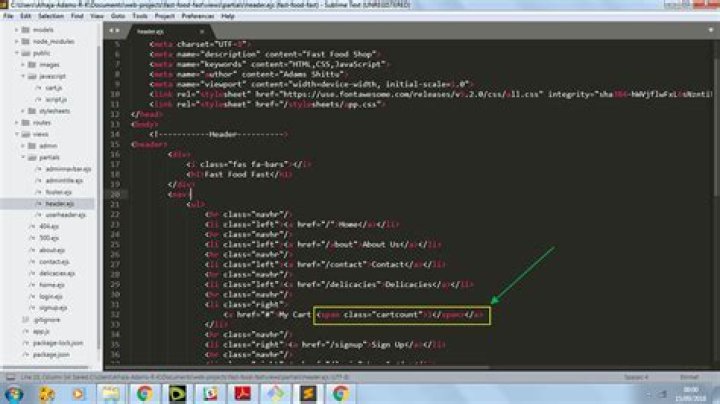
header.ejs 
footer.ejs 
delicacies.ejs 
cart.js 
I am trying to make the element("span.cartcount") display as it is set to display: none in the CSS file. It should be displayed when I click on addtocart button (a.addtocartbutton).
I will also be glad if I can get directions or an alternative way of going about shopping cart system with express.js
Thank you.
11 Answer
document.querySelector() returns just the first element matching the selector. You have a foreach() loop that creates multiple items, you need to add the event listener to all of them. So you need to use document.querySelectorAll() and loop over them.
let addToCartButtons = document.querySelectorAll("a.addtocartbutton"); let cartCount = document.querySelector("span.cartcount"); addToCartButtons.forEach(btn => btn.addEventListener("click", (event) => { event.preventDefault(); cartCount.style.display = "inline"; })); 



