
I am using Windows Vista IE9. I live outside the US, if it matters.
Recently, I have problem accessing . I always get the message,
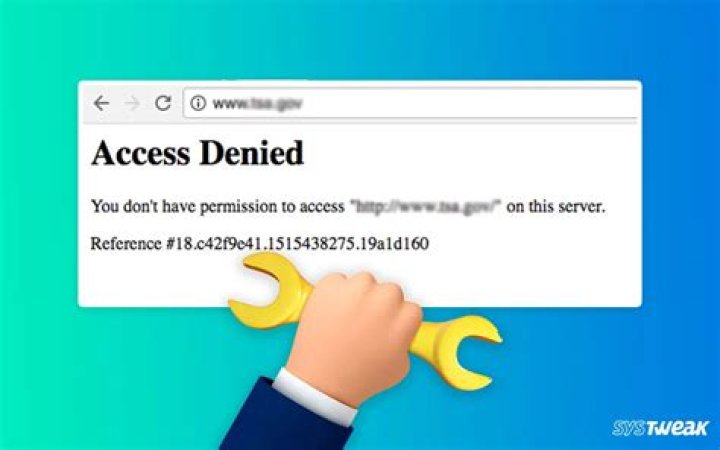
Access Denied You don't have permission to access on this server. Reference #18.b83edc3d.1427525750.3f370291
I have no problem accessing other web sites in the US, such as JCPenny, Walgreen, CNN, etc. I am accessing the web sites from the network provided by local ISP.
The first thing came to my mind was something wrong with my browser. I checked. No problem I can find. I Googled the error. I got the link which basically says I should add the URL of the web to the Trusted site zone. And I did it. Keep getting the same error.
I e-mailed CVS and asked them if they knew anything. They gave me a routine reply. Nothing helpful. I Googled around. Most of the stories I found are about the Access Denied after they did some programming. But, I didn’t do application work on my machine.
I am a regular user of Stack Exchange sites. Naturally, I come here to look for help. If my question is off-topic, please direct me to the right one. If there is a tag missing, please help me to add it. Thanks.
Update (03/09/2021)
I just test it again, instead of getting "Access Denied" message, I am getting the following message
CVS.com® is not available to customers or patients who are located outside of the United States or U.S. territories. We apologize for any inconvenience.
For U.S. military personnel permanently assigned or on temporary duty overseas, please call our Customer Service team at 1-800-SHOP CVS (1-800-746-7287) if you need assistance with your order
Thank you for all the help from the users.
83 Answers
In trying to access cvs.com from Ukraine I get the same error message.
Access Denied. You don't have permission to access "" on this server. Reference #18
I cleared my cache, but no dice. However if I fire up my VPN, and run it through a US server, I have no trouble connecting to cvs.com from Kiev. My guess is that CVS is blocking access from some non-US IP adresses. But the other possibility is that some feature of my local WAN prevents me from connecting. No need to run this down IMHO since the VPN works. Might be better to connect to a pharmacy site via an encrypted tunnel anyway. d:-b
I used to have access to the CVS site from the Netherlands. Now I moved to Spain and I get 'Access denied. With a proxy it works fine of course as I can then simulate that I am back in the USA. It is clear that it is CVS which is blocking foreign servers not local ISP's.
As user 416E64726577 mentioned in the comment, CVS blocks access when the browser set the language to Chinese. Since I’m using Firefox, my solution is a Firefox extension (open-sourced at GitHub). With that, I set the host as en-us.
I’m not aware of a similar extension on Chrome.
test the behavior
You can test this if you know how to use the command line. On macOS or Linux this is all you need:
curl --header 'Accept-Language: zh' --head This gives me “403 Forbidden”. If I replace zh with en then it’s “200 OK”.




