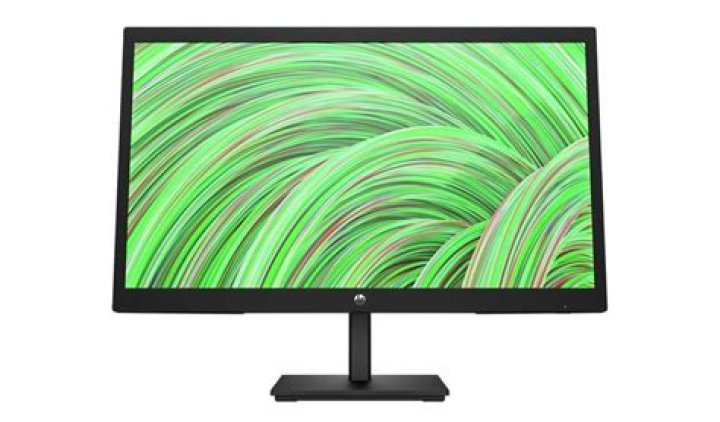

I use this monitor: it's a 1360x768 60hz monitor but there is an issue with my pc, the pc couldn't identify it so the driver for that monitor was installed like that: driver i tried to install the monitor driver from the official website but that didn't help, the problem is i can't even choose my native resolution through settings and resolutions are all in 75hz refresh rate like here: display settings (ignore 1360x768 / 1368x768 because they are only custom resolutions made by me. Now what i tried to do is to use custom resolution on my amd settings i tried two different resolutions 1360x768 60hz (which is my native resolution) and 1368x768 75hz and here is settings for them:amd settings the problem is on the native resolution i get very clear image and it looks very good but in gaming, i have the worst experience the game looks like im playing under 60 fps it looks choppy and laggy even when the fps counter is above 60 (i tried vsync didn't help) but on 1368x768 the image doesn't look like the native one but in gaming when i hit 75 fps the game looks so smooth and better. I tried to uninstall graphics drivers but that didn't help too. i use vega 8 integrrited graphics (amd r3 3200g) and a vga cable connected to my monitor and i have the latest drivers for all devices. What i want is a good image while having a smooth gameplay on my games but on my case i can only have smooth gameplay on fake resolution with 75hz refresh rate.
2 Reset to default



