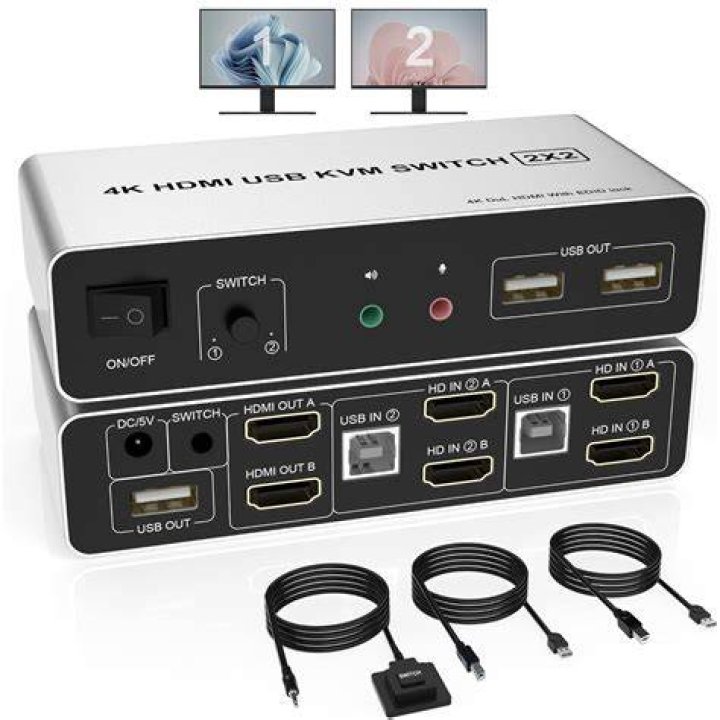
I'm on Ubuntu 22.04 and trying to configure 5120x1440 resolution I have a 1060GTX from Nvidia and a Samsung G9. I'm also using a KVM switch so the monitor is hooked up to both a laptop running Ubuntu, and a windows PC.
There is HDMI cables being used for both the PC and the Ubuntu laptop. The PC works fine at 5120x1440.
For Ubuntu, I have 5120 isn't appearing in the available resolutions. I googled it and found this set of instructions. 
However, when I follow this set of instructions and try to query my connected monitors I don't see HDMI, instead, I only see "WEYLAND6" or "WEYLAND10" it changes every time.
If I continue with the instructions and xrandr --addmode, the command goes through but nothing actually happens, and the resolution still doesnt show in the display options.
1 Reset to default