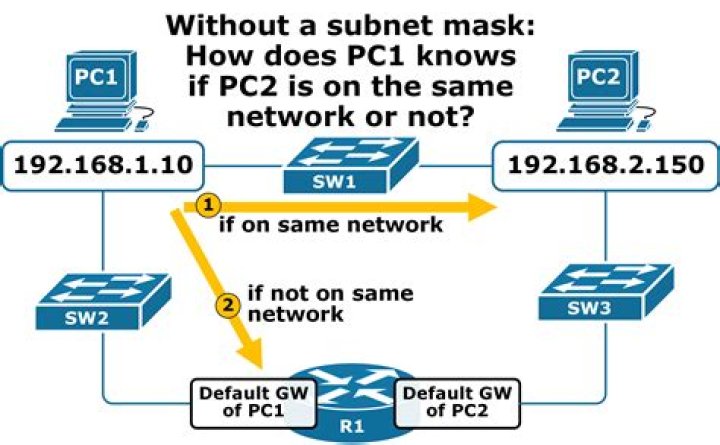

My goal is to access my NAS from a PC, but NAS is not reachable.
Situation
Here is my network configuration:
Router 1: 192.168.2.1 : 255.255.255.0 Router 2: 192.168.1.1 : 255.255.255.0 NAS: 192.168.1.108 (in Network of Router 2) PC Foo: 192.168.2.xy Problem
So problem is that I can't get access from "PC Foo" (no Ping possible) to my NAS. All other PCs with IP 192.168.2.xy get access.
Questions
I'm not sure but is this a subneting-problem?
What can I do to get access, when I don't want to change the IPs?
52 Answers
You need to set static routes in each router for the other router's network and make sure packet forwarding is enabled.
1I'm guessing you have router 2 doing NAT when it doesn't need to be. Disable NAT and DHCP service in router 2, to make it just act like an Ethernet switch/bridge. Then your whole network will be all one subnet, which is probably a better setup for you anyway.
If you have a good reason for router 2 to be doing NAT, then you'll need to enter NAT port mappings into it so anything on router 1's network can get to things they need to get to on router 2's network. You'll also need to set a static route on router 1 so it knows to send all 192.168.1.x traffic to router 2, or you'll need to set that kind of static route on all machines on router 1's network.
1



