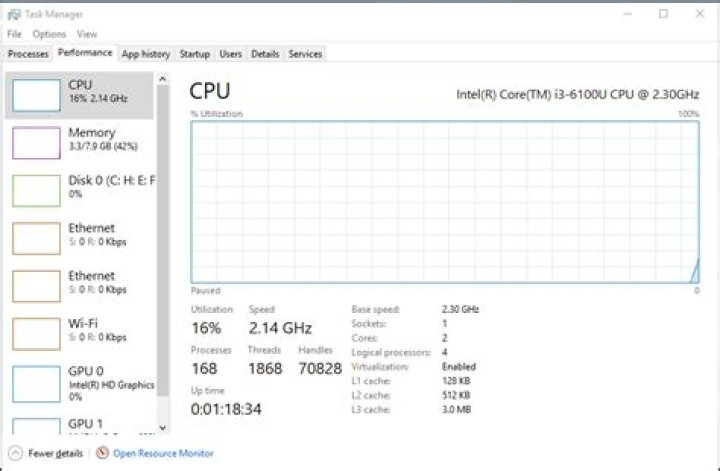

The 'Performance' tab of the task manager is frozen in Windows 10 (V1909). I can select options to change the views of the graph but this screen is particularly frozen. It happened all of a sudden and the other tabs are working just fine. Surely there is a solution to this.
72 Answers
Start with basic repair: Open cmd.exe with Run as Administrator and run: dism.exe /online /cleanup-image /restorehealth . Follow with SFC /SCANNOW . When both are complete, restart and test. This fixes most issues.
I just had exactly the same problem, and found that somehow my task manager had been paused.
Check the "view" menu, and under update speed change it from paused to normal (or high).
I don't know how this ever got changed, and can't help to wonder if it was after an update.
5



